John Lythe was a sport scientist with elite athletes in New Zealand from 1997-2010 working with the NZ National Football and Field Hockey teams as well as Olympic athletes in Athletics, Cycling, Sailing, Triathlon, Rowing and Swimming. Since 2010 he has advised on, built and managed software systems in elite sport environments including Smartabase, Salesforce, SharePoint, Google Suite and of course, Microsoft Excel. John still lives in New Zealand with his family and outside of work, he coaches and competes in football and off-road running events.
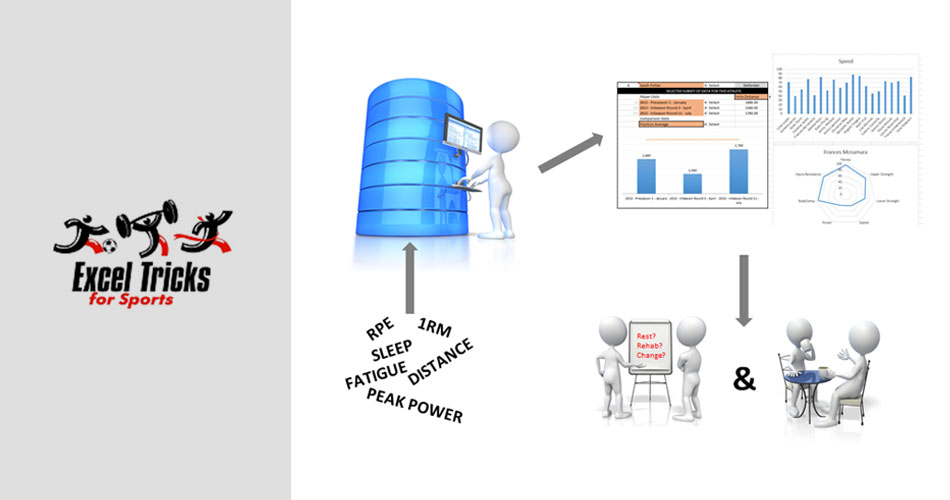
Part 2 of John Lythe's series - a quick look into the creation of a basic tool to collect and monitor athlete training load using RPE and duration data.

This example shows how to get started with athlete load monitoring. If you are collecting session duration and RPE from your athletes then you have enough information to get started.
If you work in the sports as a physiologist, performance analyst or something else, you will see some tips and tricks that could be useful for you to know.
In this video I will show you how to extract only the most recent records for a selected athlete using either the LARGE or the AGGREGATE function to provide the row numbers and INDEX to extract the data.
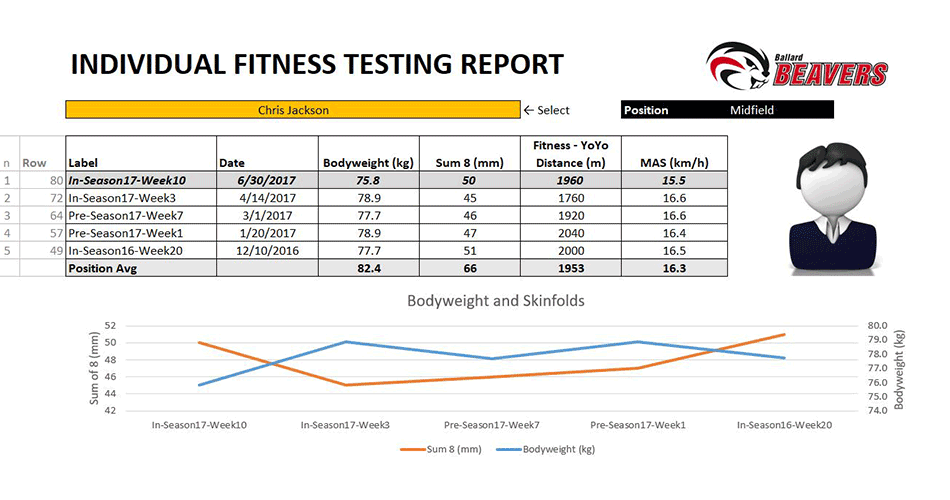
This is the part three of this exercise. In this video we have a new data set to look at as compared to the first two videos. This is more generic fitness testing data set that contains all sorts of things from body weig…
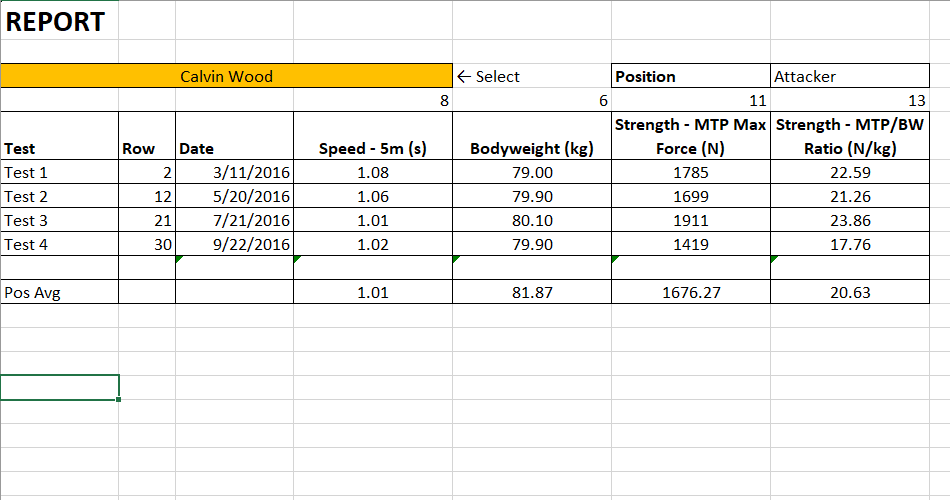
This is the part two of this exercise. What we are going to do this time is to add a second set of data to our table and then look to extract both sets to our report. Unfortunately vlookup is no longer going to work for …
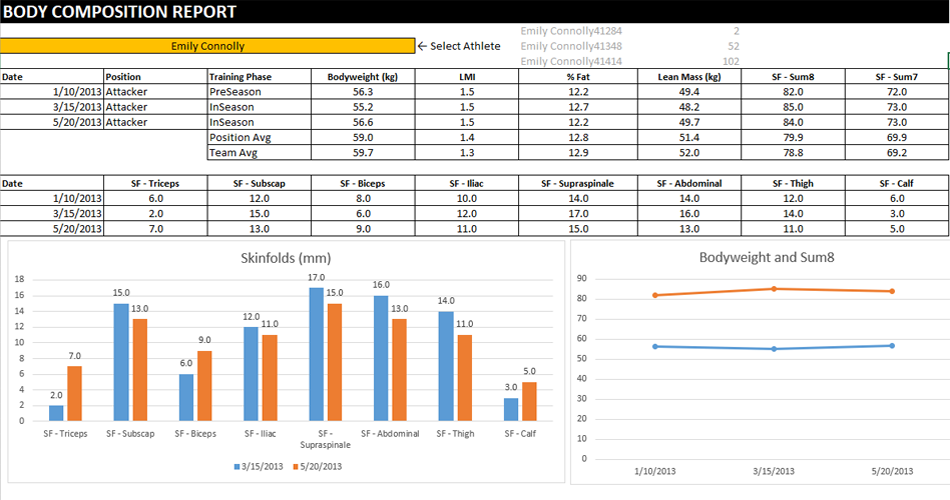
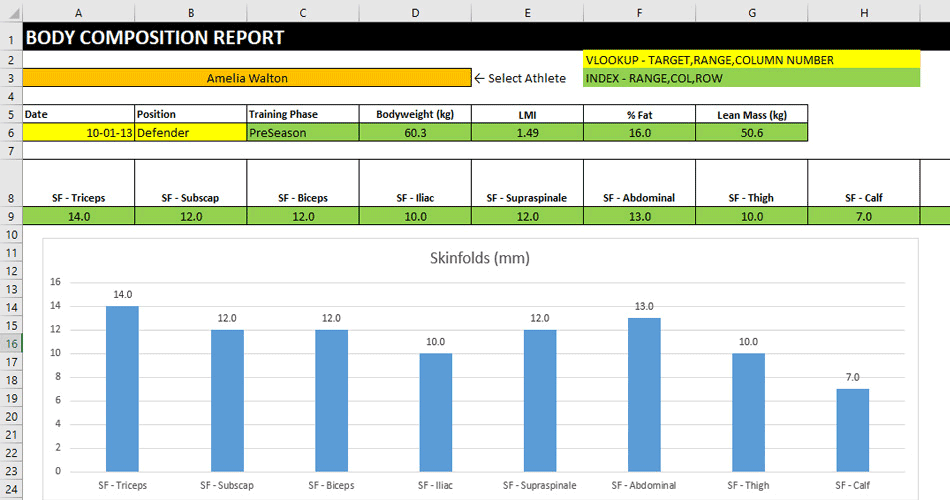
This is part one of the series where I’m going to look at the creation of basic sport reports from a data. In this first video I am going to use a body composition data set and perform a simple vlookup to extract the i…
Today I am going to show you how to create a database in Excel. To illustrate a point we are going to look at four different examples. Because my YouTube channel is all about creating Excel systems for people who work in…
Following the Part 1 of John’s tutorial on Creation of Fitness Programme, where we learnt about Named Ranges, Data Validation and Indirect Function – Part 2 demonstrates the Advanced Data Validation.
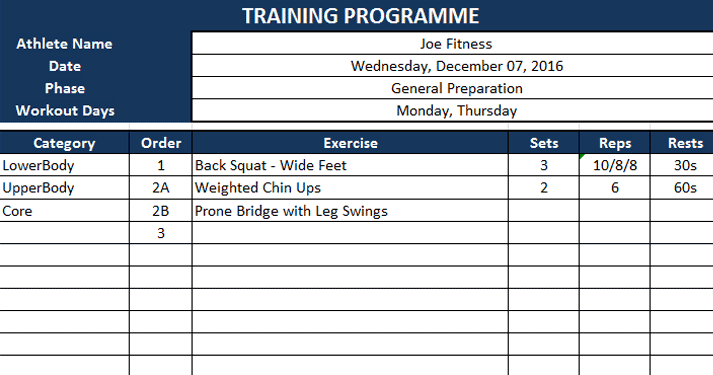
In this video tutorial, John is demostrating how to create Fitness Programe with Excel. This tutorial is very useful if you want to learn how to create your own Fitness Programm using Excel.
Please note:
This action will also remove this member from your connections and send a report to the site admin.
Please allow a few minutes for this process to complete.
Report
You have already reported this .
Share Your Work with Complementary Training
Got something valuable to share — an article, a tool, or an idea that could help others in the coaching world?
We’d love to see it, share it, and make sure your work gets the recognition it deserves.
Fill out the form below and let’s get started.
Cancel Membership
Please note that your subscription and membership will be canceled within 24h once we receive your request.