
How to Use Excel to Automatically Create Reports – Part 1: vLookup

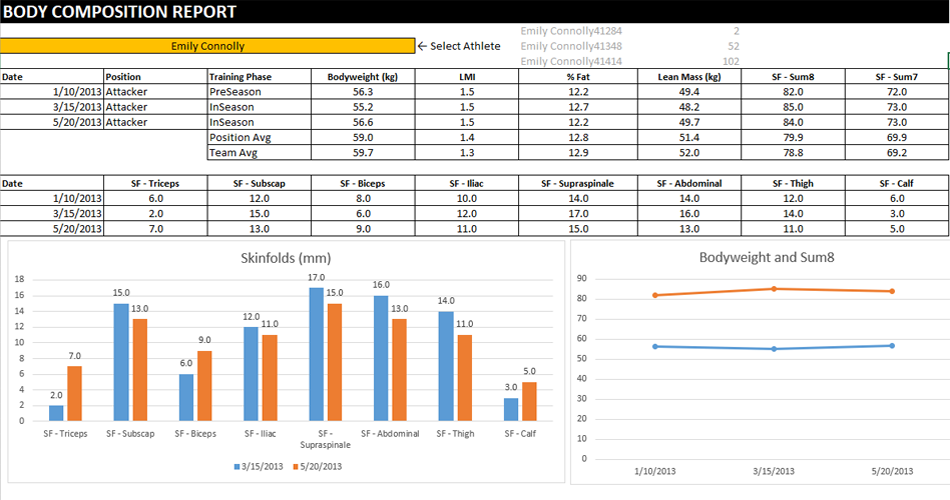
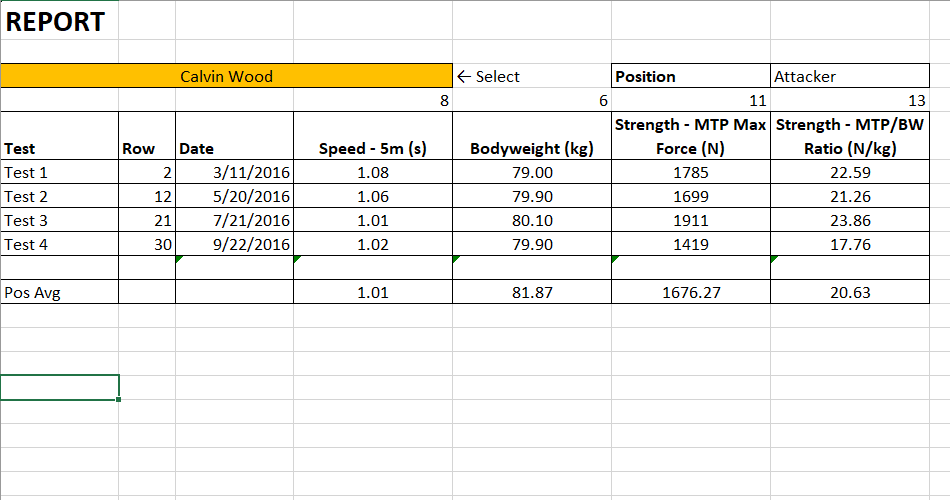
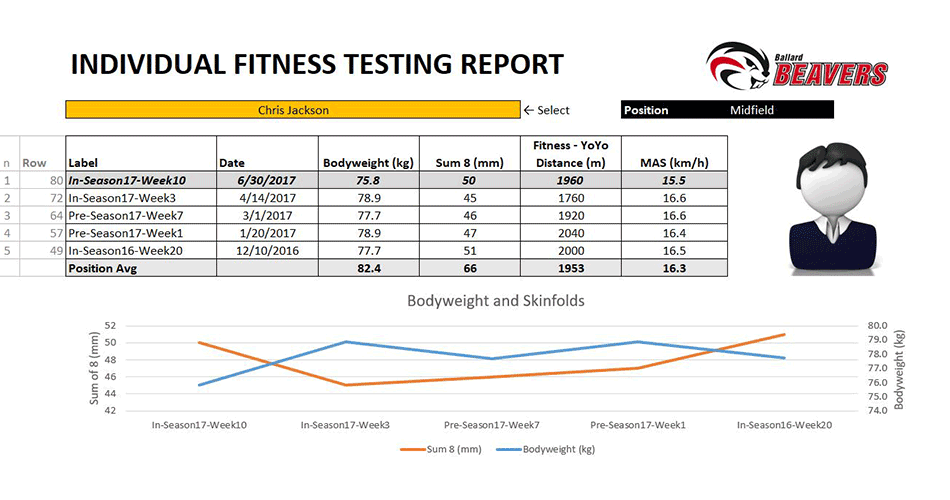
This is part one of the series where I’m going to look at the creation of basic reports from a data. In this first video I am going to use a body composition data set and perform a simple vlookup to extract the information for a given athlete. Also I’m going to repeat that process using the Excel table format. The process is the same but formulas look a lot different.
To learn more, please watch the video below.
To download the Excel Workbook, click on the following button: DOWNLOAD





Responses